

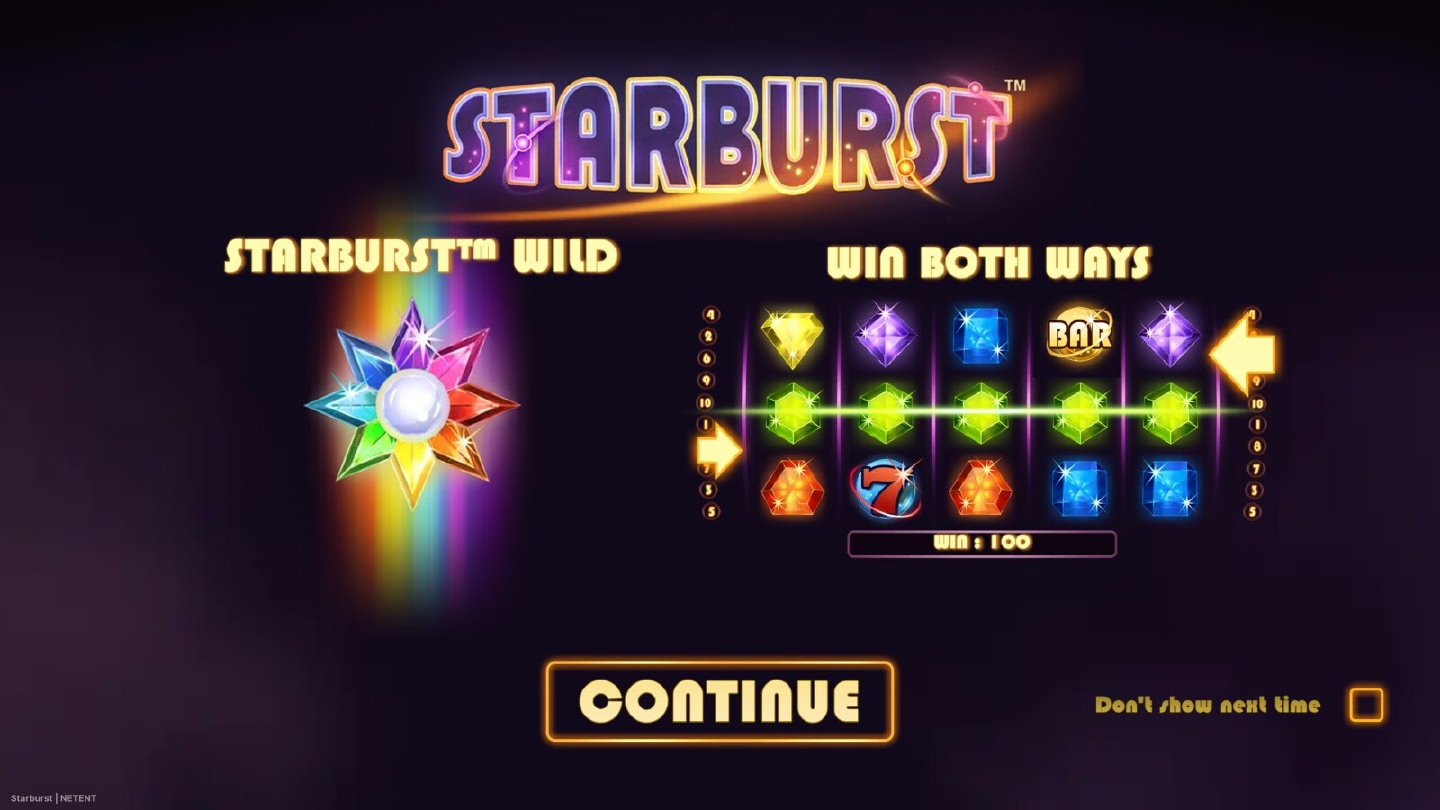
Learn the Starburst screen in demo mode#
Playing Starburst in demo mode shows the original game before you play for real. Start by confirming the title is the original Starburst, the NetEnt slot released in 2012. Starburst XXXtreme and Starburst Galaxy are different games with their own maths and features, so their bonuses and multipliers do not apply here.
Find the five reels, the three rows, the stake control and the information panel. Notice the ten paylines and read the paytable before you interpret a win. Demo mode shows all of that without a stake.
Pair it with how to play for the full spin order and features for the Wild cycle. For real play, the app page and download take you straight to our partner, where you register, log in and claim whatever your account offers.
Four steps that teach you the game#
- Find the stake. The basic bet range is €0.10 to €100, so look at where the live game displays its stake and how the control moves. Currency and settings can differ between local versions, and the screen in front of you is always the right reference.
- Watch a few wins form. Original Starburst pays left to right and right to left, and on an active line you collect the higher award of the two. The paytable lets you check what landed: BAR pays 50, 200 and 250 for three to five symbols, 7 pays 25, 60 and 120, and the coloured gem values are listed in the game information.
- Wait for the Starburst Wild. In the original it lands on reels two, three and four. It expands across its reel, substitutes for paying symbols and triggers a respin. Watch the reel change, then compare the finished lines with the normal paytable rule.
- Follow the respin chain. If another Wild arrives during a respin, you get another respin, up to three in total, with the triggering stake carried through. That is the feature limit, so you always know where the sequence ends.
What demo mode shows#
Demo mode teaches you the visual order of a Starburst round: stake, reel result, line calculation, expanding Wild and the respin if one is triggered. It also makes the difference between a game rule and an account offer easy to remember.
The provider page figures, 96.08% RTP, a 23% hit frequency and a maximum payout of 800 times total bet, describe the slot over a long period rather than a handful of demo spins. Historical documents also keep several named wallet configurations with their own RTP values, The RTP page sets out those configuration records in full.
Technical records also mention state restoration after a reconnection and a possible reload after a timeout, so a dropped connection is handled by the game itself.
Once the interface is familiar, this page links to the real game. A deposit bonus or Free Spins may be waiting under the current account terms; read them where they are shown and claim what suits you. They sit alongside the Starburst Wild respin, which keeps working exactly as it always does.
Use Android download or iOS download if you want the device-specific way in. See the review for our editorial assessment. Starburst is for players of legal age; set a budget and stick to it.
Next step: when the screen is familiar, log in through download and play the original Starburst for real.